Use cases
Expose localhost to the internet
Share a website or API running on localhost at a public HTTPS URL with Cloudflare Tunnel, free and without port forwarding, from the app or the command line. Stable URLs on your own domain too.
You have something running at http://localhost:3000 and want someone else to open it: a
client reviewing a site, a teammate testing an API, your own phone. Cloudflare Tunnel does
this without touching your router. cloudflared on your computer makes an outbound
connection to Cloudflare, and Cloudflare sends visitors down it. Your IP address stays
private, and HTTPS comes with it.
There are two ways, depending on how long the link should last.
| Quick Share | Route on your domain | |
|---|---|---|
| Address | random-words.trycloudflare.com | app.yourhost.com |
| Cloudflare account | not needed | free account + a domain |
| Same URL every time | no | yes |
| Logins, keep running as a service | no | yes |
| Best for | a quick look, a demo | anything longer, webhooks, sharing with a team |
To keep a site online while your computer is off, or for HTTPS on this computer only, see choose how to share.
In the app: 30 seconds
Start your app
Make sure it answers at http://localhost:3000 (or whichever port) on your machine.
Share it
In Teitunnel choose Quick Share, pick your app from the list of running services (or
type 3000), and choose Share.
Send the link
Copy the https://….trycloudflare.com URL, or show the QR code to open it on a phone.
Stop Sharing when you're done.
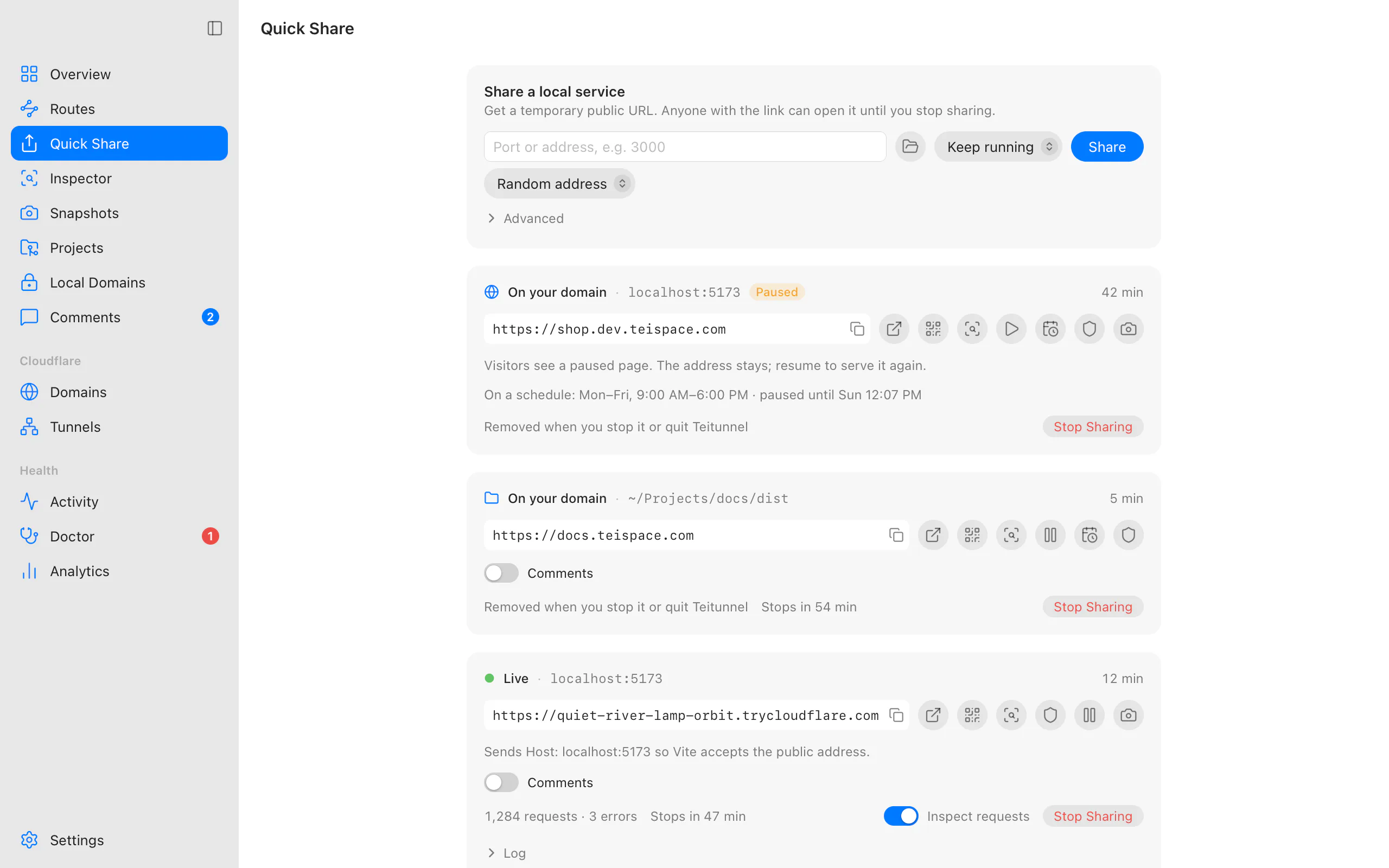
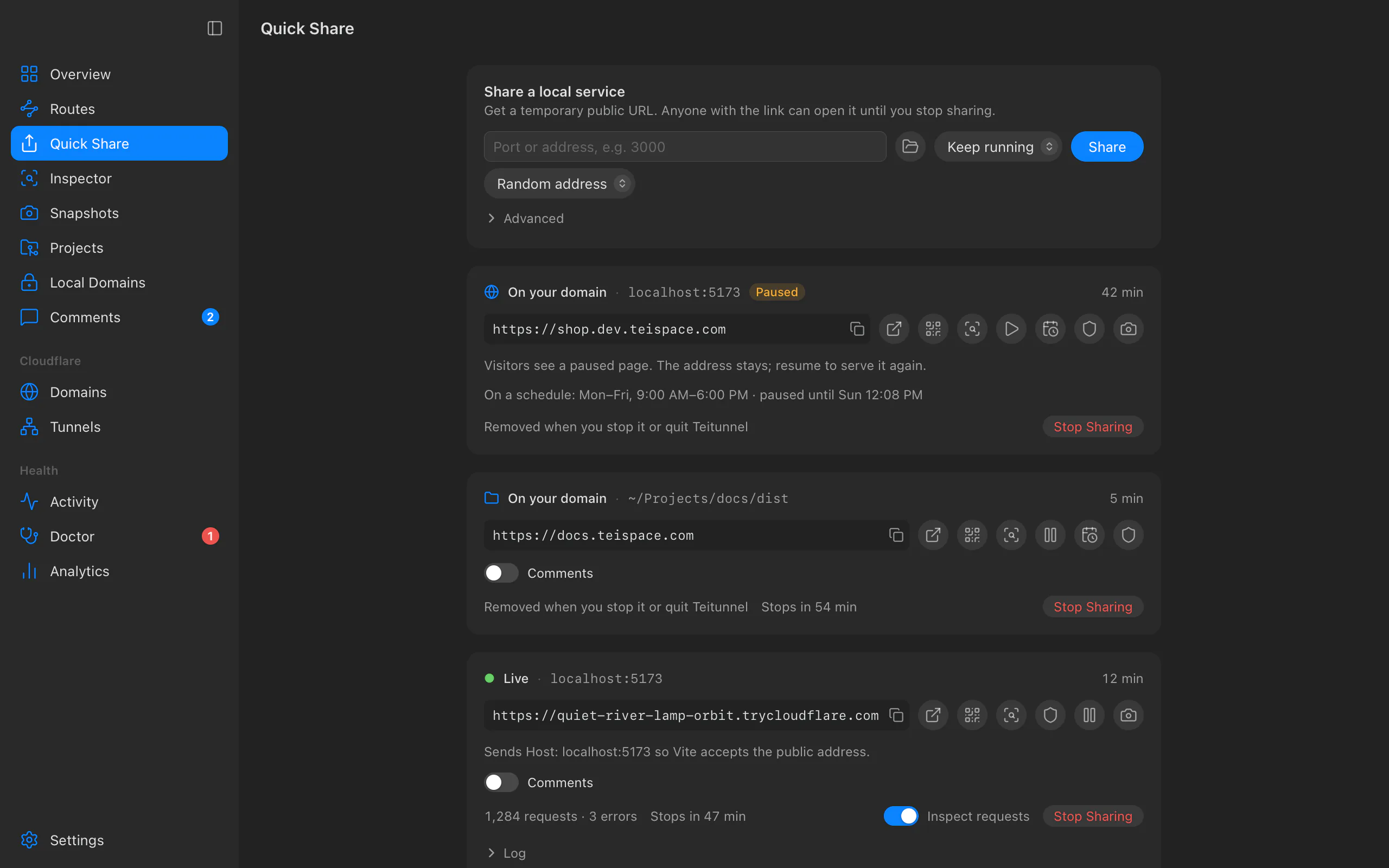
For a stable address, connect Cloudflare and choose Address ▸ On yourhost.com before sharing; see Quick Share on your own domain.
From the terminal
teitunnel share 3000The URL is printed first (with a QR code). When the Teitunnel app is running, the share is
handed to it and keeps running there (teitunnel shares --stop <url> ends it); otherwise, or
with --here, it lasts until you press Ctrl-C. Common variations:
teitunnel share 8080 --for 1h                 # stop by itself after an hour
teitunnel share 3000 --on demo.yourhost.com   # your own domain, same URL every time
teitunnel share https://localhost:8443        # an HTTPS dev server
teitunnel share ./dist                        # a folder of files, no server needed
Make it permanent
When the link should outlive a demo, make it a route: a hostname on your domain that stays until you remove it, can require a login and can keep running when Teitunnel is closed. See put a service on your domain.
If it doesn't load
- "Blocked request" or "Invalid Host header": your dev server rejects unknown hostnames. See dev servers.
- 502 Bad Gateway: Cloudflare reached your computer but nothing answered on that port.
Check the port, and whether your app listens on
127.0.0.1or::1; see troubleshooting. - It's slow: Quick Tunnels are best-effort. A route on your own domain uses your account's tunnel and is faster and more reliable.
Last updated on
Find your way around
A tour of the Teitunnel app, section by section, with what each part is for, where its terminal equivalent is, the keyboard shortcuts, the command palette and Settings.
Share a Vite, Next.js, Django or Rails dev server
Fix "Blocked request. This host is not allowed", "Invalid Host header", broken hot reload and CSRF errors when sharing a dev server through Cloudflare Tunnel.