macOS · Windows · Linux · servers
Cloudflare Tunnel, done right.
Share a local port in one click. Publish your apps on your own domains. See every change to your Cloudflare account before it happens.
Free and open source · Beta · All platforms
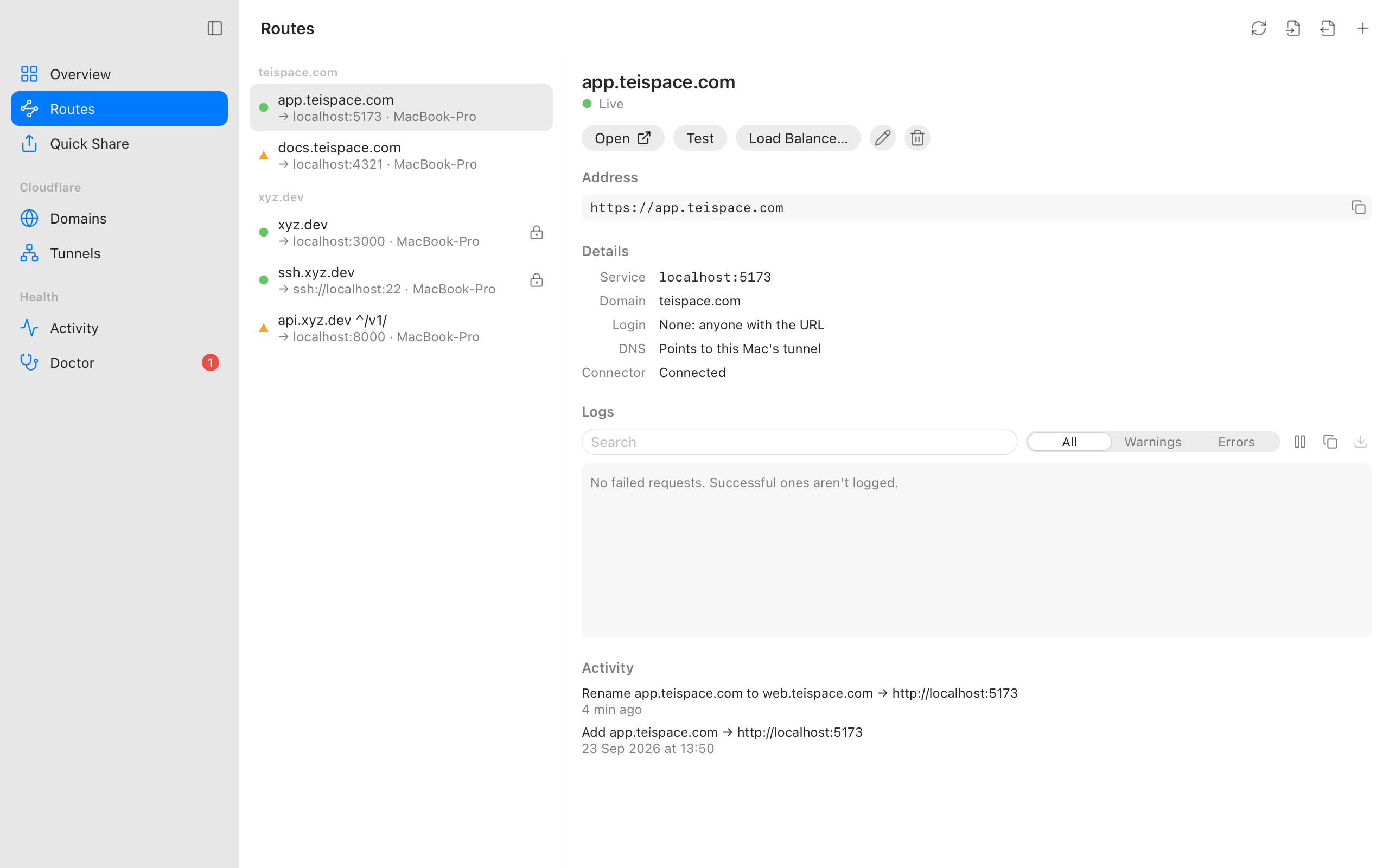
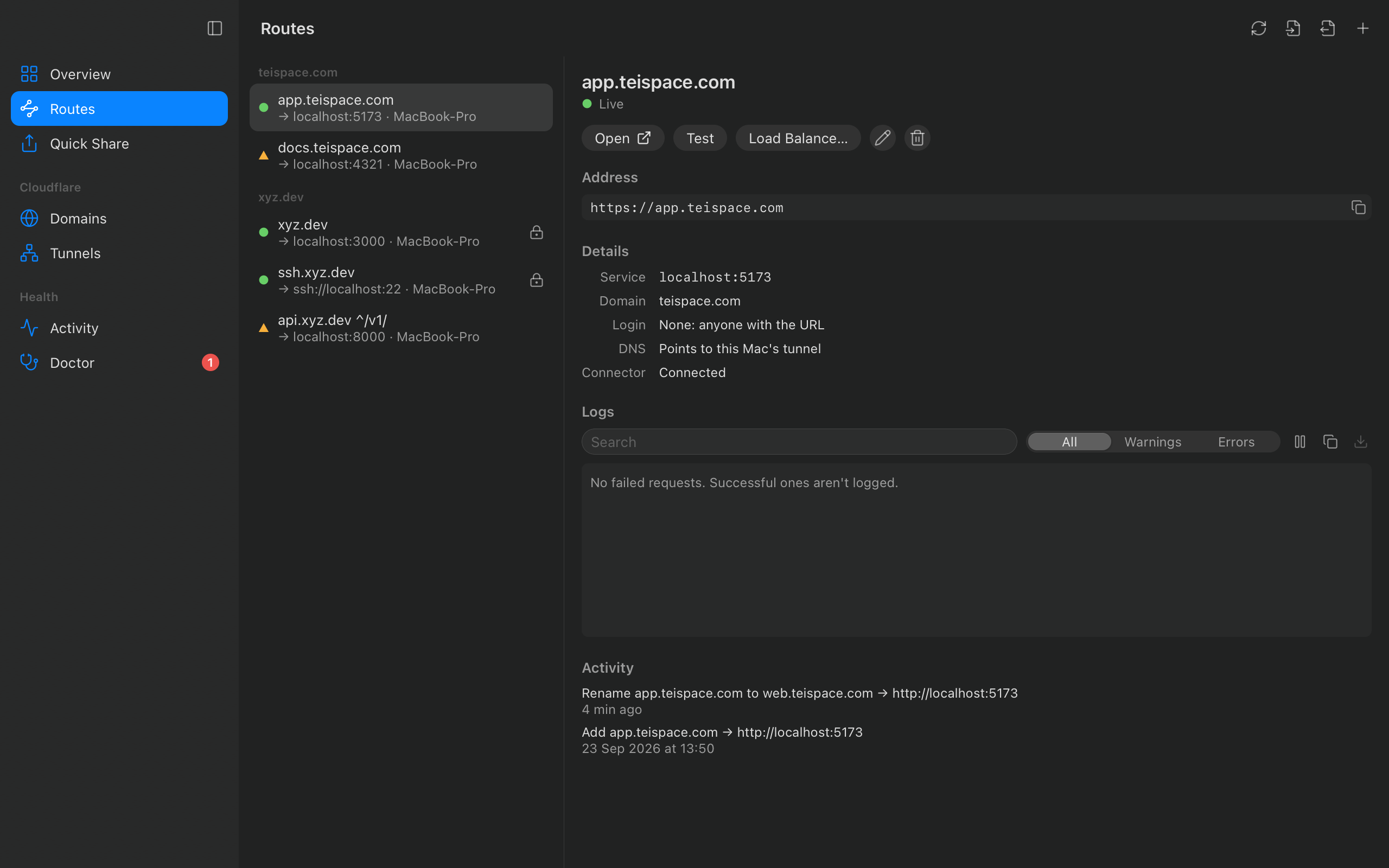
Quick Share
A public URL for anything on your machine. No account, no config.
Pick a running service (dev servers and Docker containers are found for you) and get a trycloudflare.com address, a QR code for your phone, and live requests.
With a Cloudflare account, share on a subdomain of your own domain instead. It goes away when you stop it, when its time is up, or when you quit.
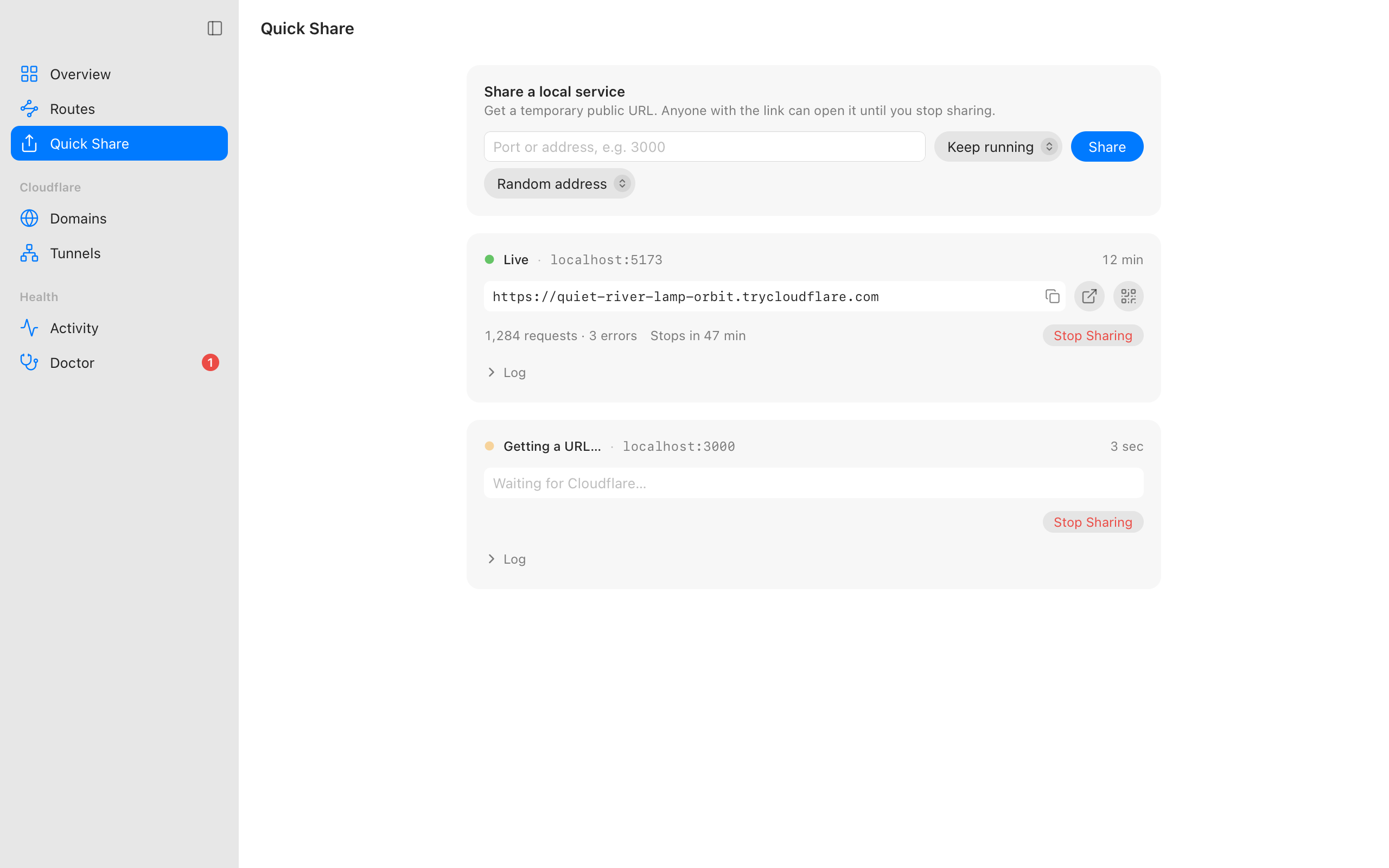
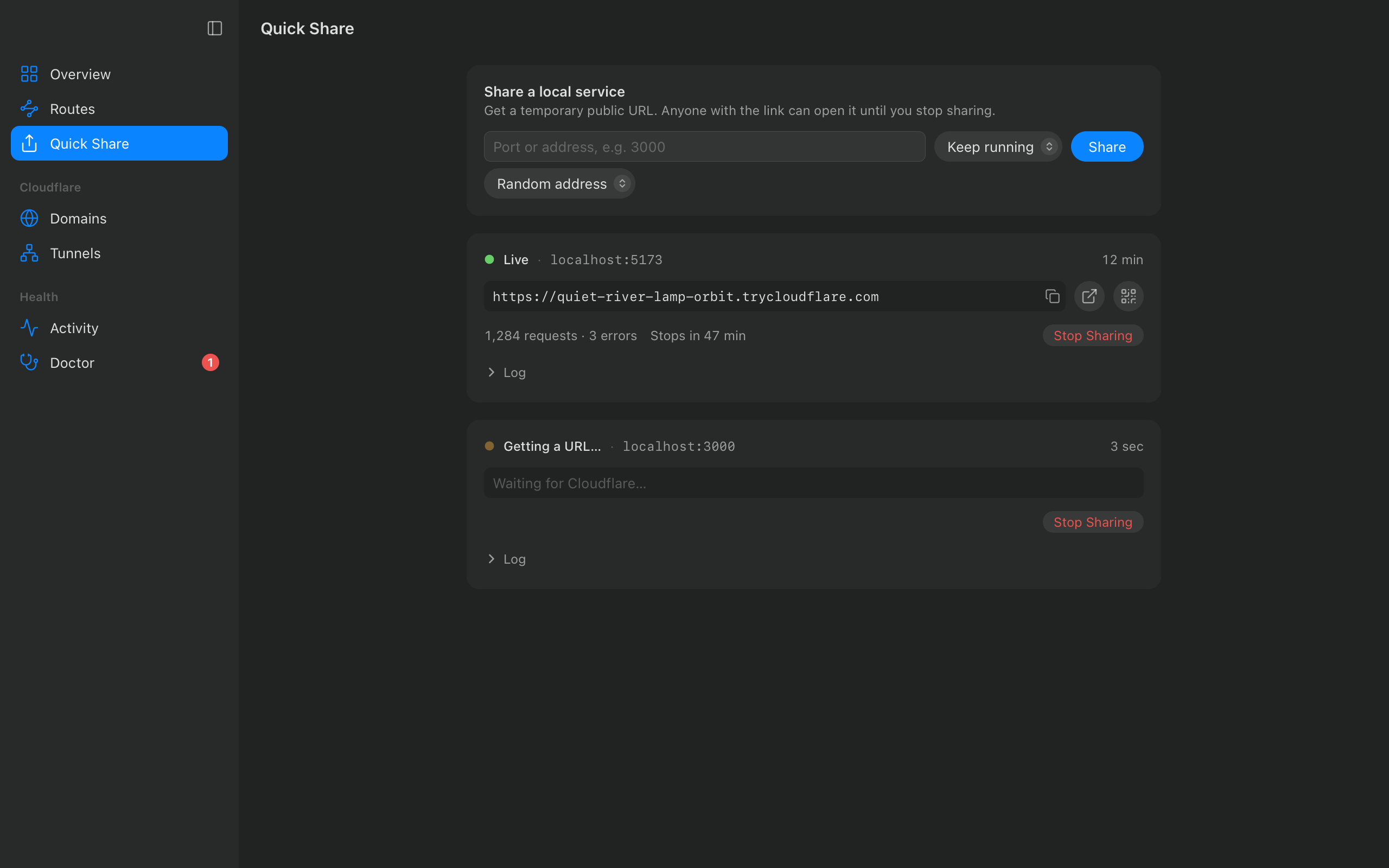
Reviewed changes
Nothing changes until you've seen it. And nothing is left half done.
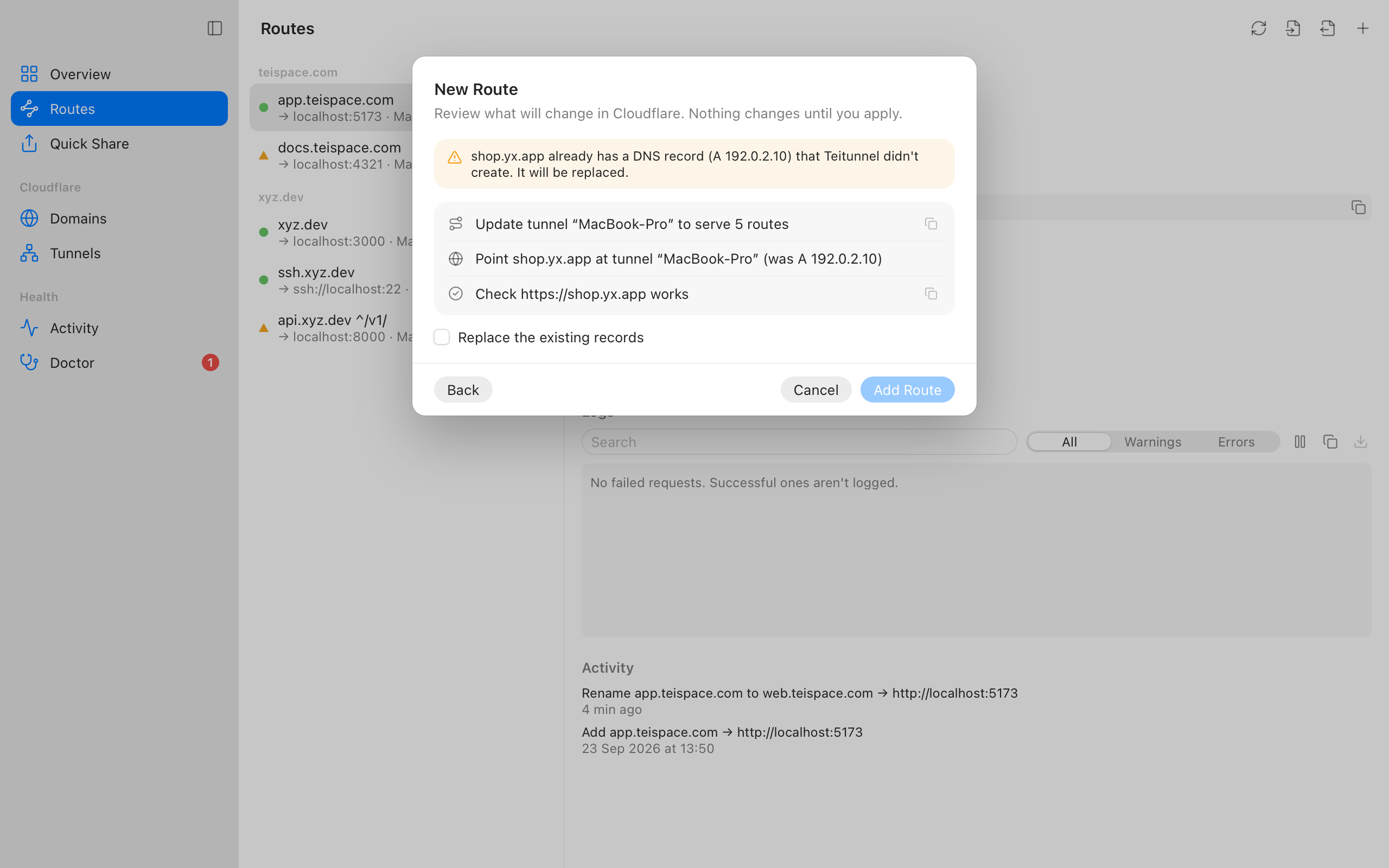
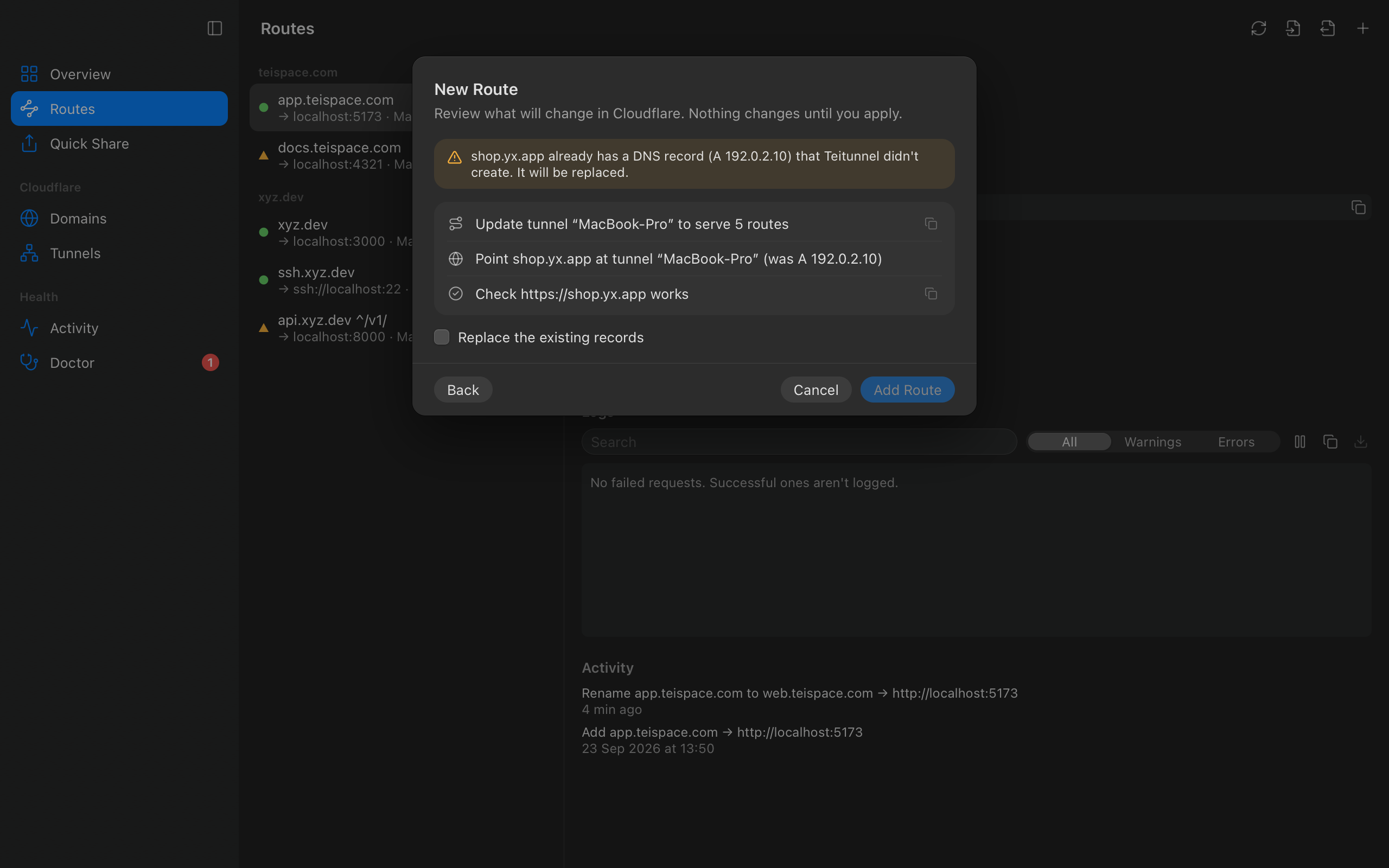
Every change is a plan: the tunnel, DNS records, logins, pools. You read it, then apply it.
If a step fails, the ones before it are undone. Every change can be undone afterwards too.
Records and apps Teitunnel didn't create are only replaced when you say so.
Doctor
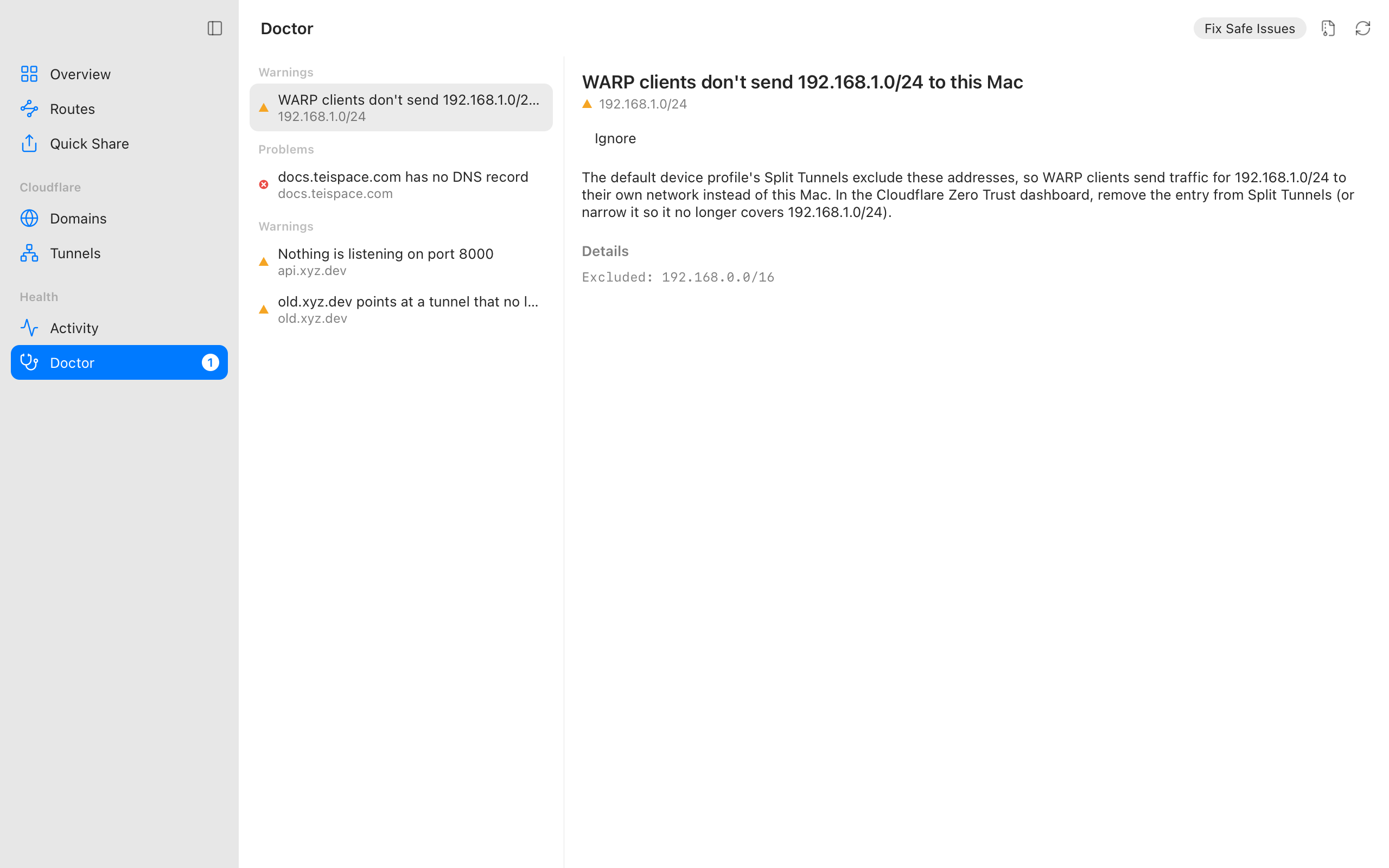
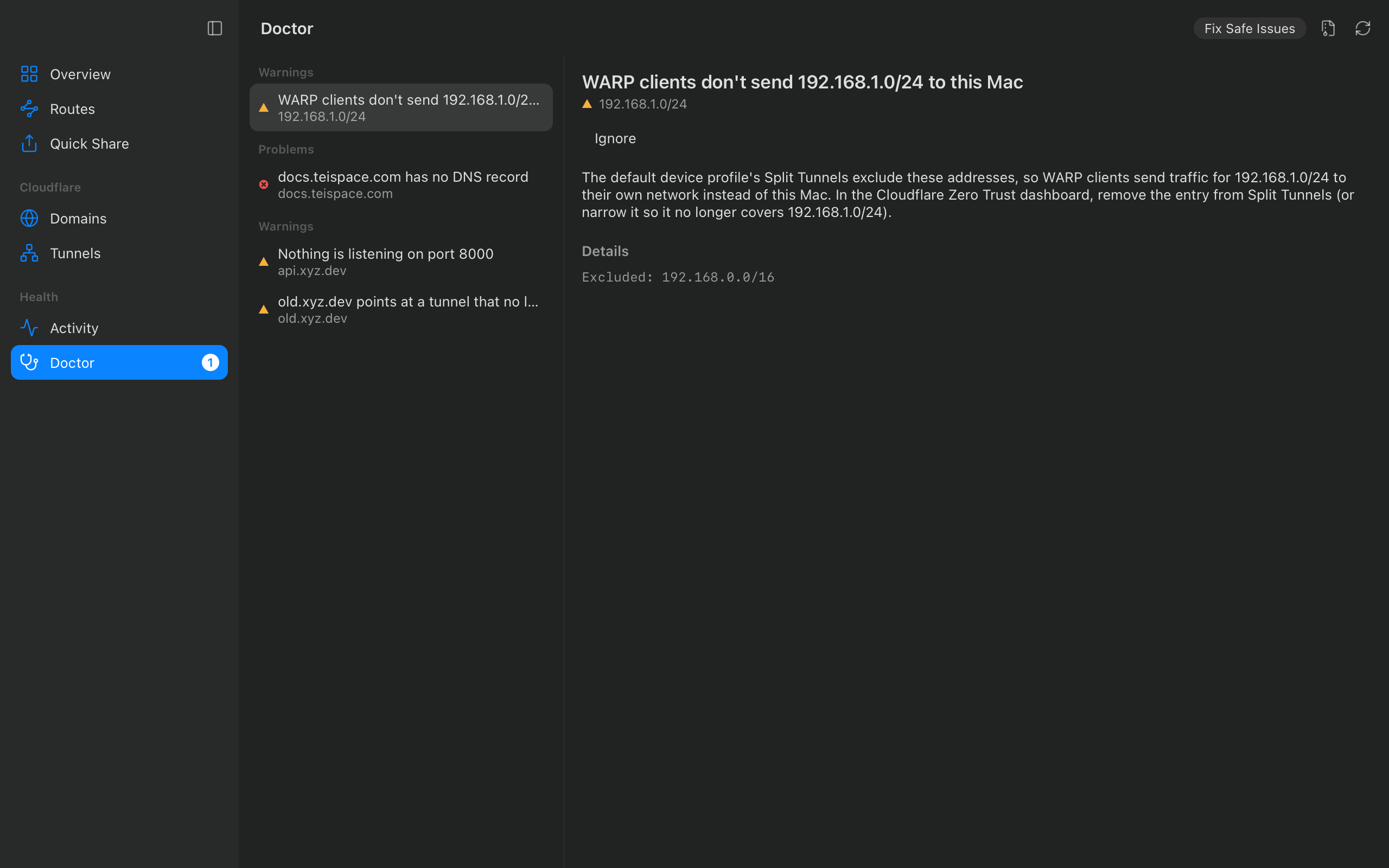
Problems explained, with the fix one click away.
The Doctor checks your routes, DNS, connectors, logins and WARP settings, says what's wrong in plain words, and fixes what's safe to fix.
Missing a permission? It shows exactly what to add to your token, and picks up where you left off when you come back.
Everything in one place
From a quick demo to production.
Your own domains
Route app.example.com to localhost:3000. The tunnel and DNS record are made for you, and records Teitunnel didn't create are never taken over silently.
Logins in one step
Put Cloudflare Access in front of a route: only the people or email domains you list get in, with a one-time code by email.
Private networks
Let devices running Cloudflare WARP reach a range on your network, with the Split Tunnel settings that would block them checked for you.
Several tunnels
Keep staging apart from production on one machine, each with its own connector, or run a tunnel made elsewhere.
Load balancing
Serve one hostname from several machines with health checks and failover, the way Cloudflare recommends for tunnels.
Always on
Keep routes up after you quit and across restarts, as a launchd, systemd or Task Scheduler service.
Servers and Docker
The CLI runs routes on any VPS or cloud VM, as a sandboxed systemd service or in the Docker image, with a web dashboard and an API.
A real CLI
Every change from the terminal, with the same plan before it's applied. Scriptable, with JSON output and a health check.
Traffic and logs
Requests, errors and latency per tunnel, logs per route, and the connectors of every machine in the account.
Import and export
Bring existing cloudflared setups in, or export your routes as config.yml, Docker Compose or Terraform.
Doctor
Checks that explain themselves, safe fixes in one click, and notifications when something breaks.
Secure by default
Credentials in your keychain, verified cloudflared, no shell commands, and nothing deleted that isn't Teitunnel's.
Get going
Three steps, a few minutes.
- 01
Install
Download the app for macOS, Windows or Linux. It fetches and verifies cloudflared for you.
- 02
Share or connect
Share a port right away with no account, or connect Cloudflare with a token made from a pre-filled template.
- 03
Review and apply
Add a route, read exactly what will change, and apply. Teitunnel checks the URL works when it's done.
Runs where you work
On your computer, on your servers.
Desktop
A native app for macOS, Windows and Linux, with a menu bar or tray, notifications, and your platform's look.
Servers and containers
The same engine from the command line, as a systemd service, or in Docker.
export CLOUDFLARE_API_TOKEN=…
teitunnel-cli route add app.example.com 3000 --yes
sudo -E teitunnel-cli always-on on
Questions
Good to know.
Is it free?+
Yes. Teitunnel is free and open source. Cloudflare Tunnel is free too; features such as Load Balancing need Cloudflare's paid add-ons.
Do I need a Cloudflare account?+
Not for Quick Share, which gives you a temporary trycloudflare.com address. Routes on your own domains need a free Cloudflare account with the domain added.
Where are my credentials kept?+
In your operating system's keychain, and only ever sent to Cloudflare. On a server, the API token comes from the environment for each command and is never written to disk.
What happens if a change fails halfway?+
Everything done before the failure is undone, in reverse order. Activity shows what happened, step by step.
Can I keep using cloudflared?+
Yes. Teitunnel uses cloudflared under the hood, can import existing setups, and exports its routes back to config.yml.
Put it on the internet. Safely.
Free, open source, and made to feel at home on your platform.